
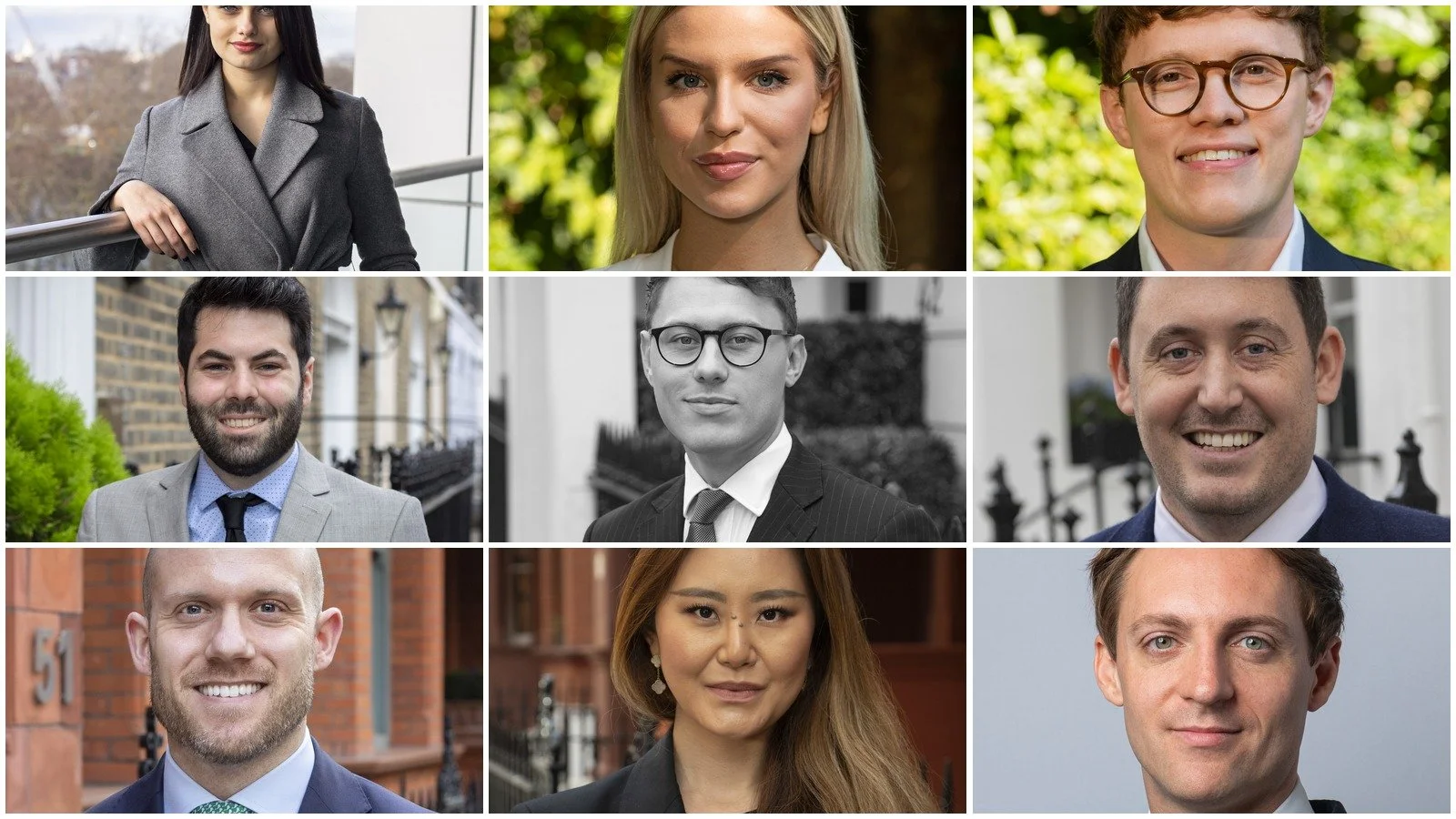
How to Prepare Your Team for a Corporate Headshot Session
If you're the one organising headshots for your team, most of the actual work happens before the photographer turns up. Get a few things sorted in advance and the day itself runs smoothly. Skip them, and you end up with a longer session, a confused team, and photos that don't quite match.
Having photographed for businesses across London for 26+ years, here's what actually makes a difference on the organiser's side.
Confirm the basics before you book
A few details make it much easier to get an accurate quote and a session that fits your team:
Headcount. How many people need photographing, including anyone who might be away or working remotely that day.
Location. Whether the session happens at your office or another location, and whether there's a suitable space available on the day.
Timing. A date that works for most of the team, with a bit of flexibility built in for anyone who can't make it.
Purpose. Whether the photos are for a website refresh, new starters, LinkedIn, or all of the above, since this can affect how the images are cropped and delivered.
Sorting this out upfront means less back-and-forth later, and a quote that actually reflects what you need.
Decide on the dress code, and communicate it clearly
Your team doesn't need to dress more formally than usual for the photos to look professional. What matters is that everyone's roughly aligned, so the final set doesn't look mismatched.
If your office is smart-casual or casual day to day, that's what the photos should reflect. If certain roles dress more formally, for example client-facing staff versus the rest of the team, that's fine too. The key is deciding this in advance and letting everyone know, rather than leaving it to guesswork on the day. Our guide on headshots for casual and creative workplaces goes into this in more depth if it's something you're unsure about.
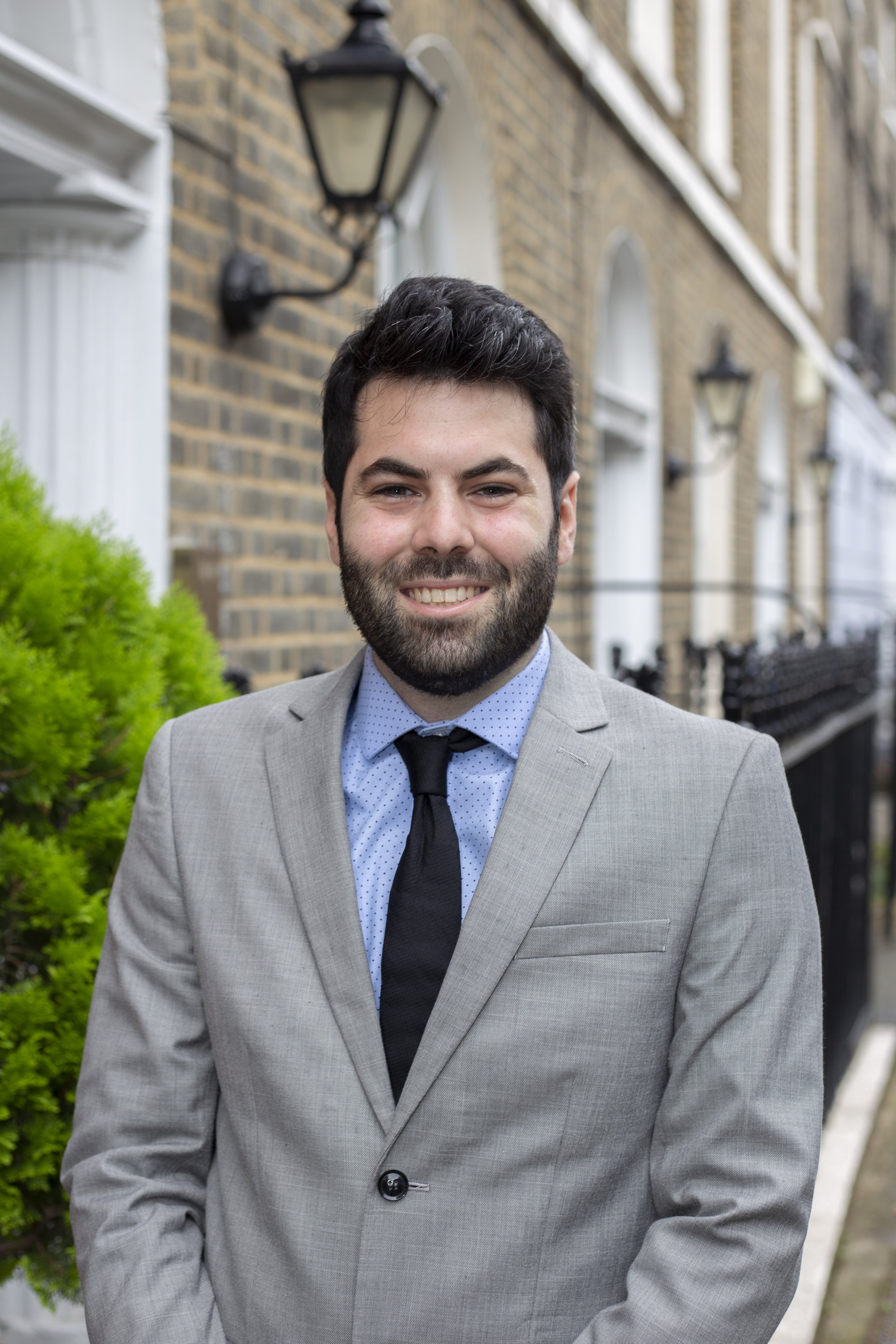
Build a simple time slot schedule
Each person typically needs around 10 minutes in front of the camera, but the whole session runs a lot more smoothly with a loose schedule rather than everyone turning up at once.
A few practical tips:
Stagger arrival times so no more than a couple of people are waiting at any one time, rather than asking the whole team to show up simultaneously.
Build in a short buffer between people, so a slightly longer session for one person doesn't push everyone else back.
Let people know roughly how long they'll be out of their normal work, around 10 minutes plus a short wait, so it's easy to slot into their day without much disruption.
You don't need to be precise to the minute. A rough running order is usually enough to keep things moving.
Brief the team in advance
A short email a few days before the session tends to cover everything people actually need to know:
The date, time slot, and roughly how long they'll need
The dress code you've settled on
Where to go and who to check in with on arrival
A reassurance that no modelling experience or posing knowledge is needed
This heads off most of the last-minute questions and means people arrive knowing what to expect, rather than finding out on the spot.
Sort out the space
For an on-site session, you'll usually just need a corner of your office with reasonable space and away from heavy foot traffic. We bring the lighting, backdrop and equipment, so you don't need anything specialist beyond a bit of room to set up.
Worth flagging in advance if there's anything that might affect the space: low ceilings, unusual lighting, or a particularly busy area of the office at certain times of day. It's easy to work around, but easier to plan for if we know beforehand.
Keep new starters and existing staff consistent
If you're topping up photos for a few new starters rather than photographing the whole team, it helps to have examples of the existing set on hand. Matching the lighting, background and framing to what's already in use keeps the new photos looking like part of the same set, rather than a visibly different batch.
This is worth mentioning when you book, so the session can be set up to match rather than treated as a completely fresh style.
What happens after the shoot
Once the session's done, you'll usually get a set of edited images within an agreed turnaround. It's worth deciding in advance who's responsible for updating the website, LinkedIn profiles and any other materials once the photos are ready, so there isn't a gap between having the images and actually using them.
Frequently asked questions
How far in advance should we book a session?
A few weeks' notice is generally enough, though it's worth booking earlier if you're working around a specific event, launch, or a particularly busy period for your team. Smaller teams or top-up sessions for a few new starters can often be turned around more quickly, so it's worth asking if you're working to a tighter timeline.
How long does a session take for a team of 10–15 people?
We generally allow around 10 minutes per person, with no more than a couple of people waiting at any one time. For a team of 10–15, that works out to roughly two to three hours in total, though it's worth getting a more specific estimate based on your exact headcount and how the day's structured.
What if someone can't make the scheduled day?
That's common, and easy to handle. We can either fit them into a slightly different time on the day or arrange a short follow-up session for anyone who missed it.
Do we need a private room, or is an open office space fine?
An open space works fine in most offices, as long as there's a reasonably quiet corner away from heavy foot traffic. A private room isn't necessary.
Who should be responsible for organising this internally?
It varies by business, but it's often whoever manages HR, marketing, or general office admin. The main thing is having one point of contact who can confirm headcount, timing and the dress code in advance.
Ready to book a session for your team?
Get in touch with your team size and roughly when you're looking to book, and we'll help you put together a schedule that works for your office. Smaller teams and top-up sessions can often be booked in more quickly than a full company-wide shoot.