
How to get Consistant Headshots across your entire Team
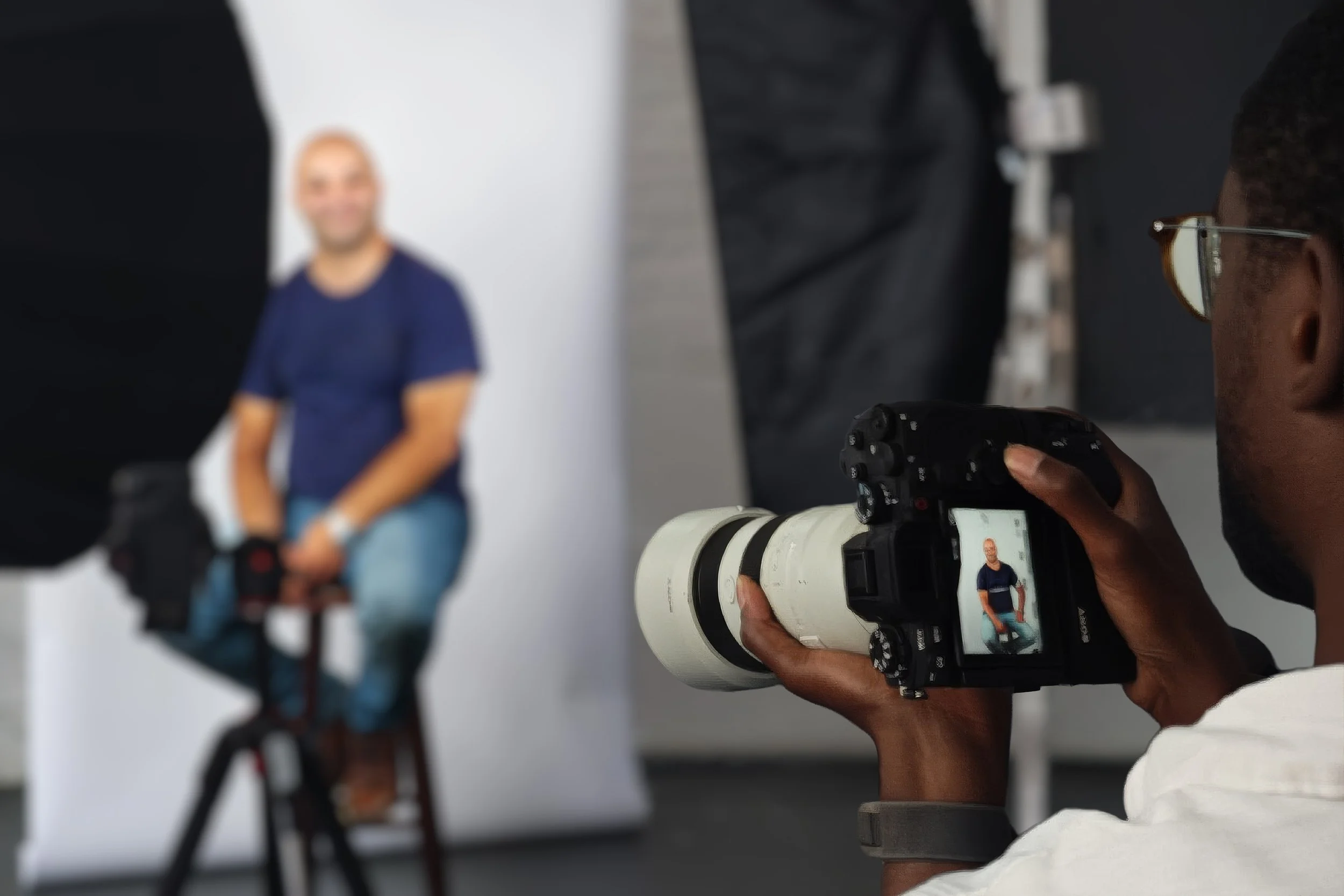
A team page rarely goes inconsistent all at once. It happens gradually: a few new starters here, someone leaving there, a photo taken eighteen months ago sitting next to one taken last week. For growing or larger teams especially, keeping everyone's headshot looking like part of the same set takes a bit of ongoing attention rather than a single one-off fix.
We've watched this play out across 26+ years of photographing growing companies in London, and a few practical habits make a real difference.
Why consistency tends to slip for bigger or faster-growing teams
Smaller, stable teams can usually get away with one session every few years and stay looking consistent throughout. Larger or fast-growing teams have a harder time of it, simply because there's more happening: new hires joining throughout the year, people moving between departments or offices, and less time before the team page starts looking dated again.
None of this is really avoidable. The businesses that stay consistent aren't the ones that never have new starters, they're the ones that have a simple system for keeping up.
Match new sessions to the original style
The single biggest factor in staying consistent is using the same lighting, background and framing every time you add someone new, rather than treating each top-up as a fresh style decision.
It helps to keep a note of the original session's setup, or simply let your photographer know it needs to match an existing set. A well-run top-up session for two or three new starters should be indistinguishable from the original shoot once the photos sit side by side on your website.
Schedule top-ups rather than waiting for a full refresh
Waiting years between sessions and photographing everyone at once tends to produce a consistent set that starts drifting the moment the first new person joins. For larger or fast-growing teams, smaller sessions every few months as new starters come on board usually keeps things looking current without ever needing a big, disruptive company-wide shoot.
This is worth deciding as a policy rather than reacting each time someone points out the team page looks patchy. Even something simple, like a standing top-up session every quarter or every time headcount grows by a certain number, keeps it from becoming a recurring fire drill.
Keep a simple record of who's covered
For larger teams, it's easy to lose track of exactly who has a current, consistent headshot and who doesn't. A basic list, even a simple spreadsheet with names and the date of their last photo, makes it much easier to spot gaps before they become obvious to a website visitor.
This doesn't need to be sophisticated. The goal is just having somewhere to check before a new starter's first few months pass without anyone noticing they're still missing from the team page.
Coordinate across departments and locations
If your business spans multiple offices or departments, consistency takes a bit more coordination, but the principle doesn't change. Using the same photographer and the same on-site setup and style across every location keeps everyone looking like part of one company, even if the sessions themselves happen weeks or months apart in different places.
Assigning one point of contact internally, whether that's HR, marketing, or office management, to own this across the business tends to work better than leaving it to whoever happens to notice a gap in a particular department.
Switching photographers doesn't have to break consistency
A new photographer picking up where the last one left off is one of the more common moments a team page starts to look inconsistent, but only when it's done without reference to what's already there. Different photographers naturally bring different lighting setups, editing styles and framing choices, and those differences show up clearly once the images sit together.
The fix isn't avoiding a switch, it's making sure whoever you switch to actually matches the existing set. Given reference images from the original shoot, a new photographer can match the lighting, background and framing closely enough that the new photos sit seamlessly alongside the old ones. It's worth asking about this specifically when you book, rather than assuming it'll happen by default.
Frequently asked questions
How often should we book top-up sessions for new starters?
This depends on how quickly you're hiring, but a standing cadence, quarterly or whenever headcount grows by a set amount, tends to work better than waiting until the team page looks obviously patchy. Our guide on how often to update headshots covers timing in more depth.
We've used a different photographer in the past. Can our new photos still match?
Usually, yes, provided we have reference images from the original session to match the lighting, background and framing against. It's worth flagging this when you book so it can be planned for properly.
Who should be responsible for tracking this internally?
It varies by business, but having one clear point of contact, often in HR, marketing or office management, tends to work better than leaving it as an ad hoc task for whoever notices a gap.
Does this apply if we have multiple office locations?
Yes. The main thing is using the same photographer and style across every location, which our on-site model makes straightforward across the whole of London inside the M25.
Keeping your whole team consistent
If your team page has started to look like a mixed bag of styles and years, our guide on why consistent headshots matter for your brand covers the bigger picture. When you're ready to bring everyone back into line, get in touch and we'll help you put together a plan that works for your team's size and pace of growth.